OAuth 2.0 Playground - Get an ID Token
This section of the OAuth 2.0 Playground allows developers to retrieve and decode an ID Token as part of the OAuth 2.0 authorization process. The Get an ID Token feature provides insight into the contents of the ID token, such as user identity claims, and allows users to validate the token’s structure and data.
Refer to this document for more information about this section
¶ ID Token Details
An ID Token is a JSON Web Token (JWT) that contains identity information about the authenticated user. The playground generates an ID token, which can then be decoded to reveal details such as email, name, and verification status.
¶ Decoded Token Details
| Parameter | Description |
|---|---|
aud |
The audience for which the token is intended, represented by the client ID (client_id). |
email |
The user’s email address. |
exp |
The expiration time of the token in Unix timestamp format. |
family_name |
The user’s last name. |
given_name |
The user’s first name. |
iat |
The issuance time of the token in Unix timestamp format. |
iss |
The issuer of the token, typically the authorization server’s URL. |
nonce |
A value to associate the session with the token, ensuring replay protection. |
phone_number_verified |
A boolean indicating if the user’s phone number has been verified. |
picture |
URL of the user’s profile picture. |
sub |
The subject identifier for the user, a unique ID in the context of the application. |
¶ Step-by-step
-
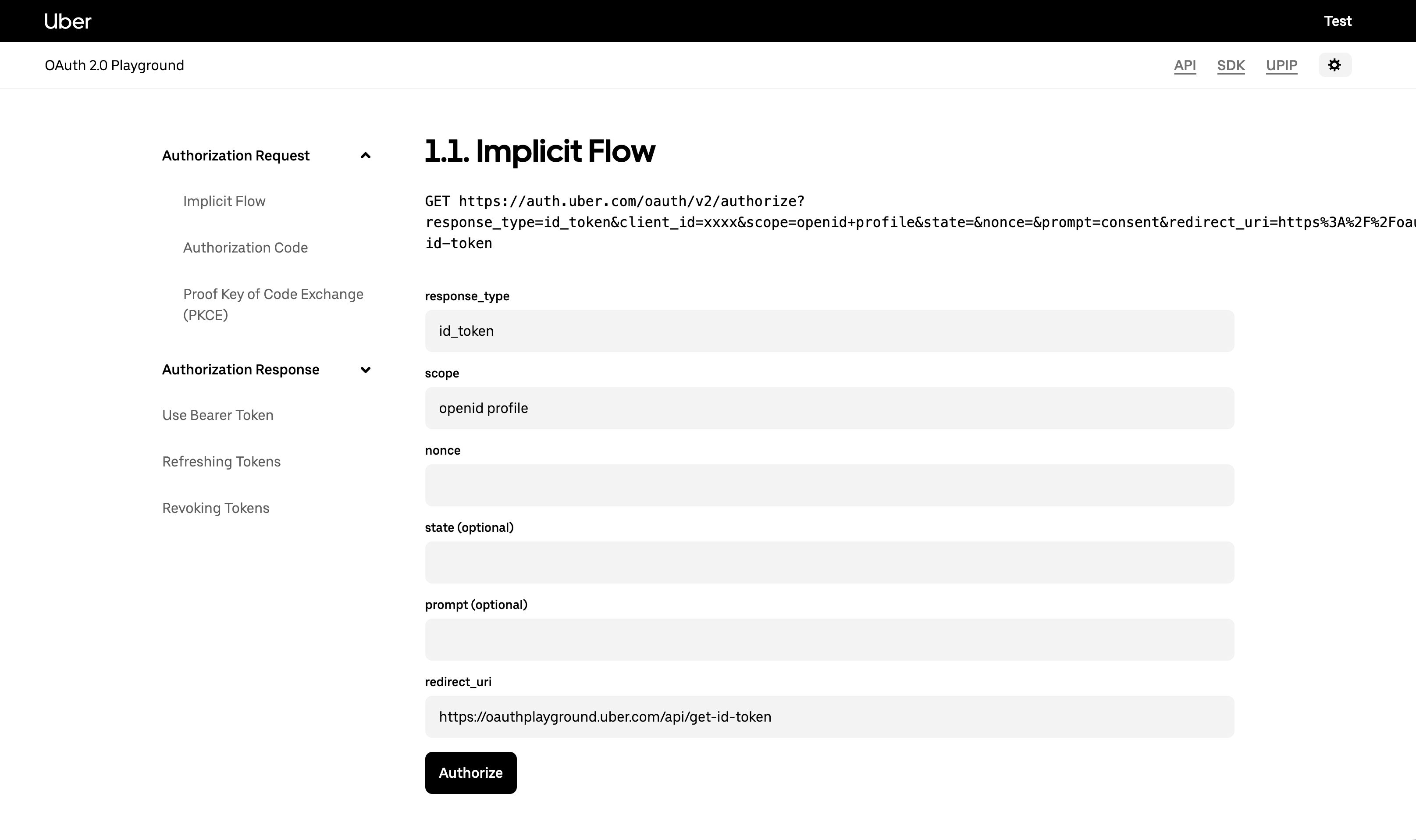
At first you need to have generated an id token using the /authorize route
-
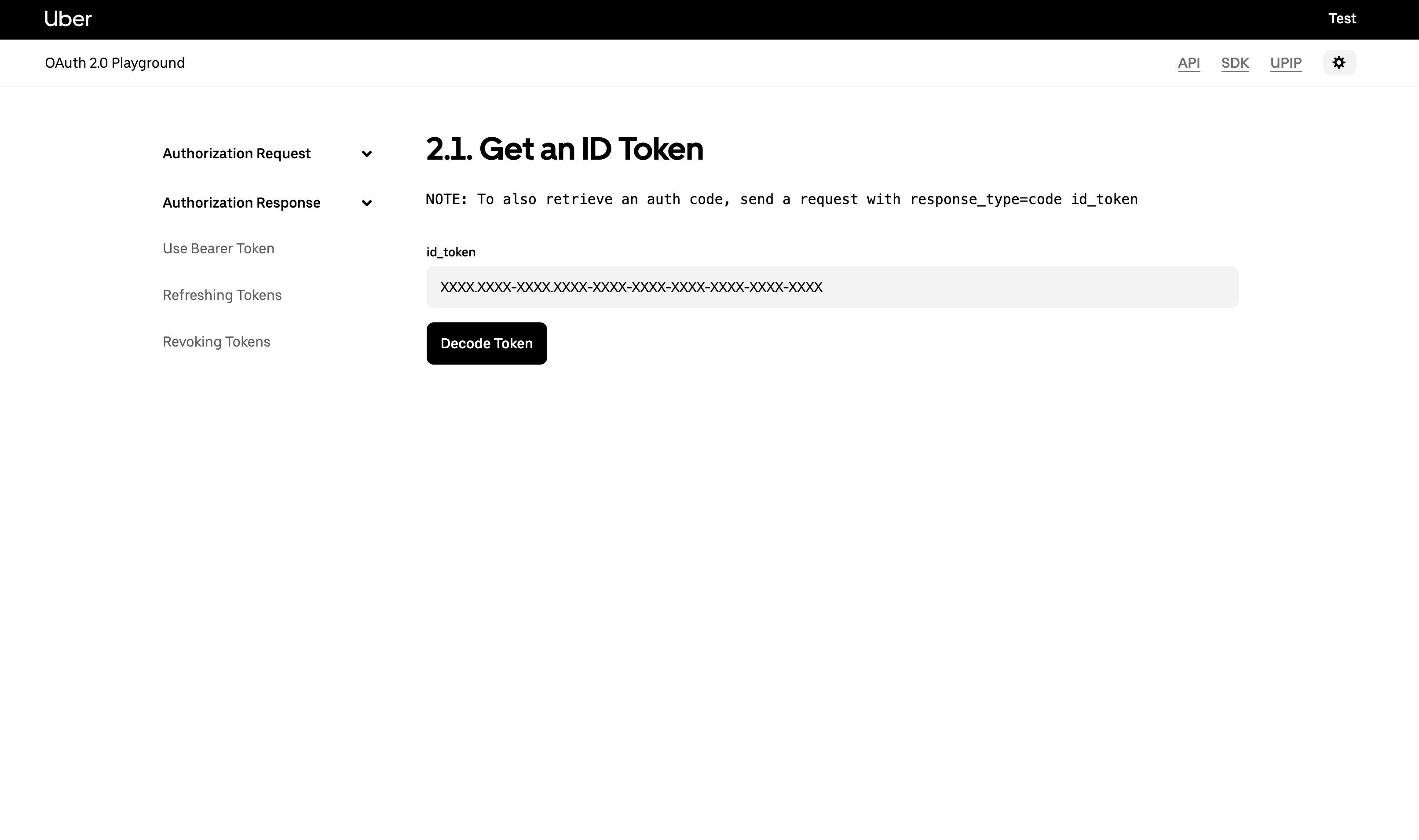
After you have the ID Token in hands, paste it in the id_token input field and click Decode Token
-
After your token has been decoded, it’s going the show all the information that was stored inside of it
